Skip to content
Monet
NewThe AI video editor that copies the edit

Saw a video you love? Remake it.

Paste a TikTok, Reel or Short. Add your clips. Monet rebuilds the same cuts, text and timing with your footage.

Download on the App StoreFor iPhone. Free to download.
How it looks

Same edit. Your clips.

Monet studies how the video was made, its shots, text, timing and motion, then puts your footage in every shot.
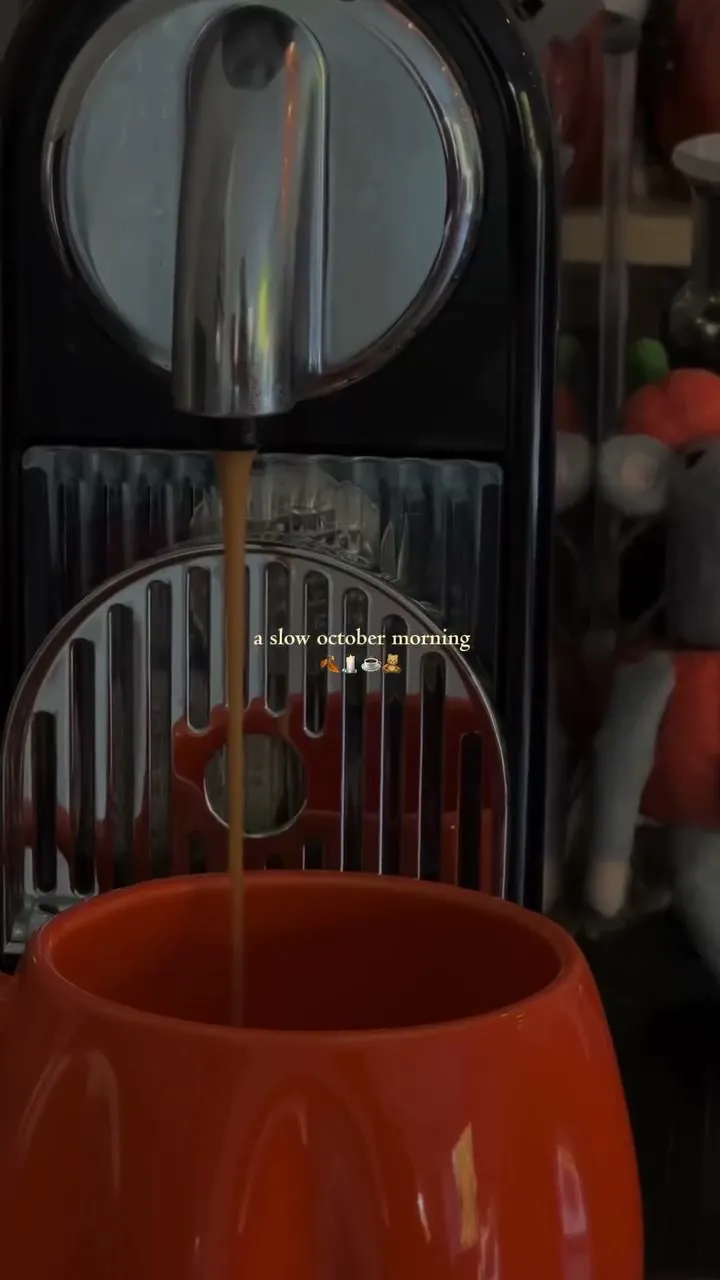
A frame of the original video: espresso pouring into an orange cup, captioned “a slow october morning”
The video you saw“a slow october morning”
Your remakeSame cuts and title, your footage
How it works

Three steps. No template.

1

Paste the link

Paste a TikTok, Reel or Short, or share it to Monet from the app you saw it in.

Monet’s clips screen with the video found and four clips added
2

Add your clips

Pick videos and photos. Monet places the right moment of each clip in every shot.

A finished remake playing in Monet
3

Change it by chat

Ask in your own words. The preview updates while you watch, then export.

Asking Monet to make the title bigger and bolder

TikTok, Reels and Shorts

Any public vertical video, from a link.

Share from any app

Send a video to Monet from the share sheet, or a saved one from Photos.

The edit, not a template

Cuts on the same beats, the same titles, the same motion.

Change it by chat

“Use my beach clip first.” “Slower at the end.” Done.

Ready to post

Export in full quality and save it to your photos.

Faster every time

A video Monet already knows is remade in moments.

Your clips.
The edit you love.

Monet turns what you saw into something that’s yours.

Download on the App Store
FAQ

Questions